
Tresor AI changelog
Changelog
The latest Tresor AI releases and improvements.
By continuing, you agree to our T&C and Privacy Policy.
Fewer snags, faster answers
This release has no headline feature. Instead, we went looking for the small places where something got in the way of an answer, and smoothed them out.
Improvements
Searches match on meaning, not just wording — when Tresor looks things up for you, it now understands what you're asking, even if you phrase it differently.
Less waiting when a provider is slow — Tresor automatically moves your lookup to another provider, routed just as privately as everything else.
Long connector results no longer get cut off — if a connector has more than fits in one response, Tresor picks up where it stopped, even on your next message. It also tells you clearly when a result is only partial.
Scanned documents no longer stall — scans that used to hang or time out now get an answer. Reading scans is slow, so Tresor reads the first 20 pages and tells you how many it skipped.
Fixes
Signup recovers from expired challenges — you can retry instead of getting stuck.
Invite links finish cleanly — accepting an invite confirms it and completes account setup instead of looping.
All live connectors show up — every connector now appears in the chat dropdown, not just some of them.
Long inputs reach tools intact — long, multiline inputs no longer arrive empty.
Settings are readable on mobile — tab labels are no longer squeezed together.
Until next time
Small changes, but you should feel them. Meanwhile, we're heads-down on the bigger things — more soon.
Big pastes, tidy chats
The problem
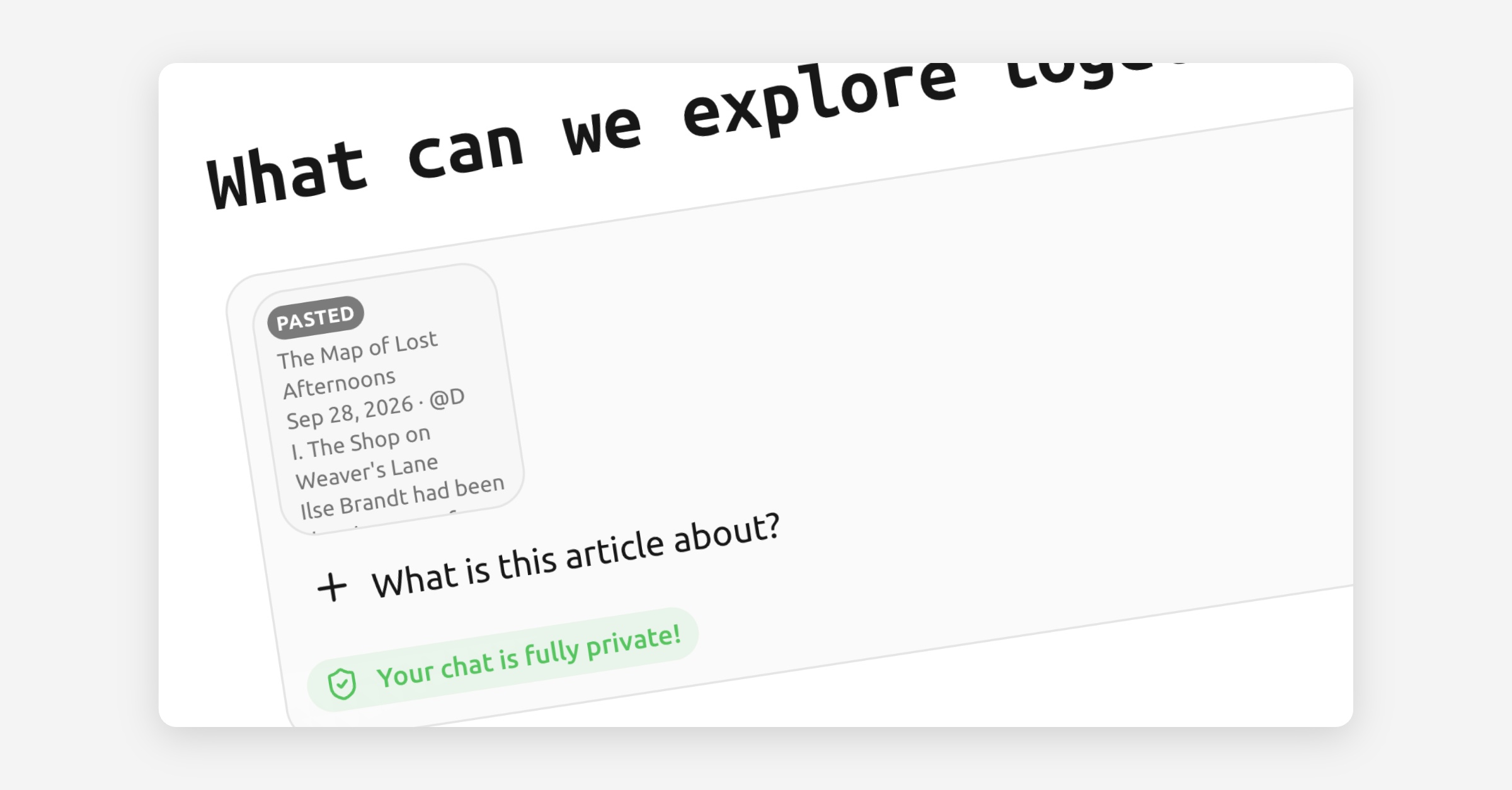
You paste in a contract clause, a log file, half a Wikipedia article — and now your prompt is a 4,000-character wall you have to scroll past to find your own question.
What's new: pasted text items
Long pastes become their own pasted text item above your message. That means:
Your question stays readable. No more scrolling past the wall to find what you asked.
The text stays attached to the message it belongs to.
Nothing is lost. Open the item later to check exactly what you sent.
Short pastes are untouched — nothing changes until a paste is long enough to get in the way.
Also in this update
Reading & files
Enlarge any image by clicking it, instead of squinting at a thumbnail.
No more half-uploaded images — uploads finish before your prompt goes out.
Scanned PDFs are now understood as well.
Projects & navigation
Workspace settings, one click away from anywhere in the app.
All projects view is now in your sidebar, and you can star the ones you use most.
Mobile
Message actions now work on mobile, where there's no hover.
Team & billing fixes
Declined invites leave the team table.
The member count under billing now matches your actual team.
Try it
Paste away. The composer can take it.
AI Connectors are here
This is the release we've been most impatient to ship.
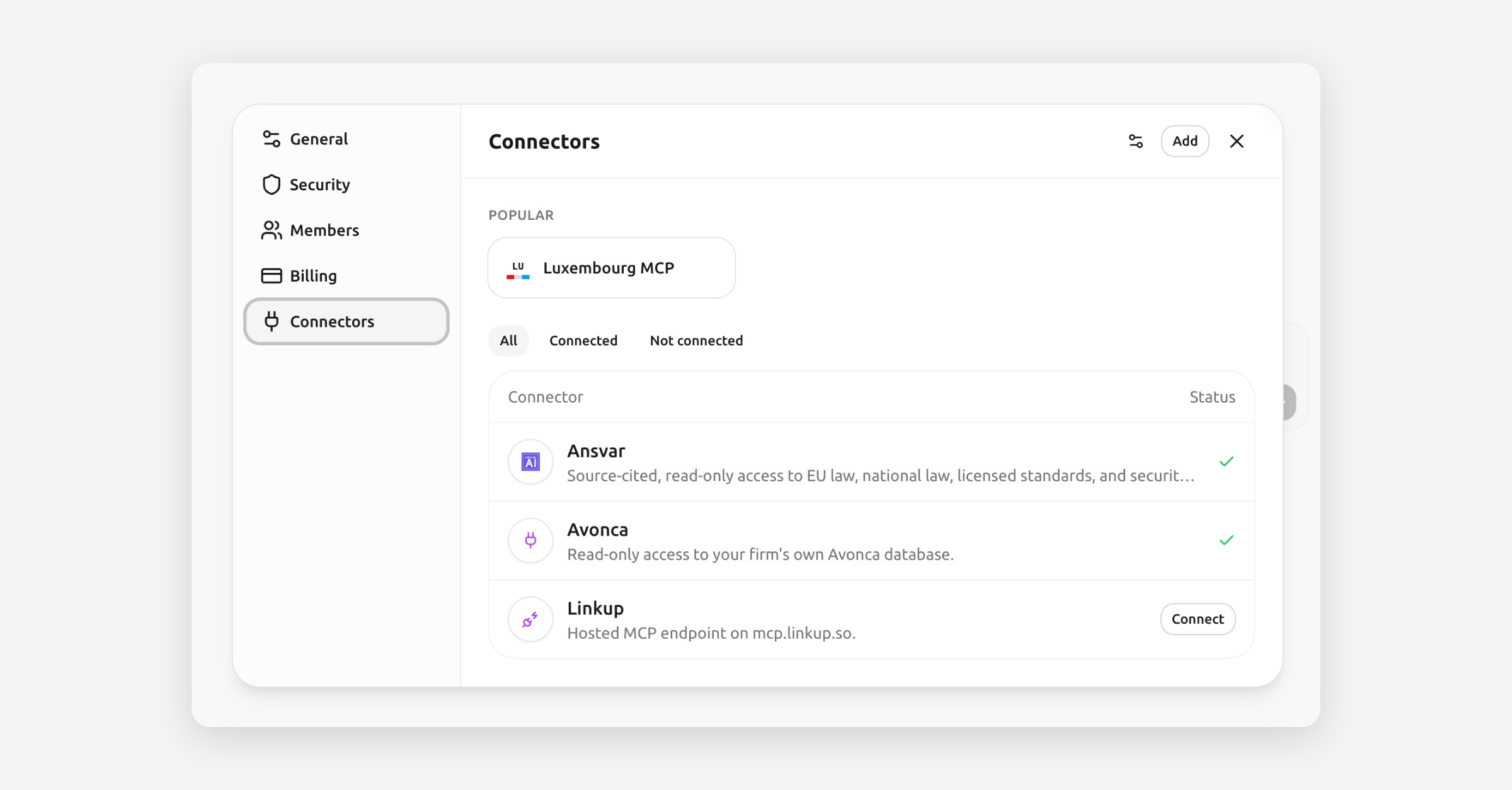
Tresor can now connect to third-party tools with AI Connectors. Attach one to a conversation and Tresor can use it to look things up without you exporting, pasting, and switching tabs to move between Tresor and everything else you work with.
Put Tresor to work across your tools
Now you can tell Tresor to manage leads in your CRM, pull information from your team's internal tools, or connect your own endpoint so Tresor can work across the systems your team already uses.
Start with a connector from our library or bring your own MCP
Start from one of the Tresor-provided connector templates, which come ready to use, or point Tresor at your own endpoint: paste the URL, review what it offers, attach it. It's built on the Model Context Protocol, so plenty of tools already work out of the box, including any your team runs internally.
🔒 Privacy: A connector sends data to whoever runs it. That's true of any tool anywhere, and it's the whole point of connecting one. But with Tresor you get to choose how tightly you want to control it and who gets to access which connectors.
Workspace admins control shared connectors, and connector activity is recorded in Tresor's audit trail without exposing your conversation content.
New top models, available now
At the same time, Tresor now gives you access to leading new models including DeepSeek 4.1 Flash, GLM 5.3, and Kimi K3.
The connector library will grow. If there's a connector you want in Tresor, please let us know. We're building it from what you ask for.
Find the right model faster
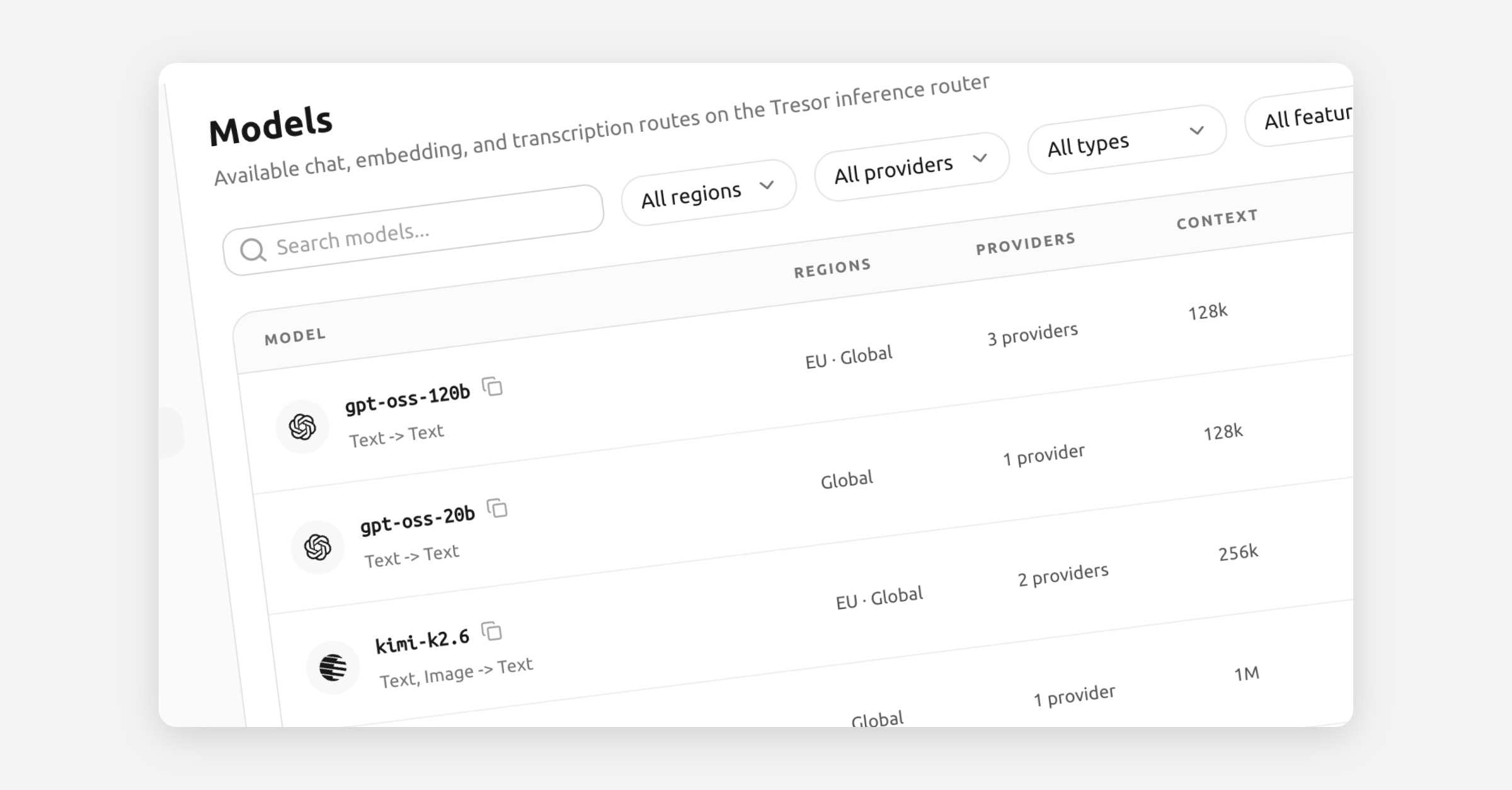
Finding the right model in Tresor is now much simpler. The new model catalog on the website and in Console makes it easier to browse what is available, narrow the list quickly, and open structured details without losing the bigger picture.
The main change is clarity. Instead of making you piece together route names and scattered metadata, the catalog now organizes model information in a way that is easier to scan and compare. You can move from a high-level model overview into the relevant route details more naturally, which makes shortlisting the right option much faster.
Compare the details that matter
Models are easier to find - Search and filtering make it quicker to get from a long catalog to the few models that actually fit your needs.
Information is better structured - Key facts now appear in a cleaner, more consistent layout across the website and Console, so it is easier to understand a model at a glance.
Context window size is now visible - You can see how much working memory a model has before you commit to it.
Precision is easier to compare - Model precision is now part of the catalog, which helps when you want a better sense of performance and deployment tradeoffs.
External references are built in - Direct links to Hugging Face and Artificial Analysis make it easier to compare capabilities, benchmarks, and model background without opening a separate research loop first.
This turns the catalog into a better decision surface, not just a longer list. Whether you are evaluating models for production routing or exploring options for a new workflow, you now have a clearer view of what each model offers before you send the first request.
Shorter route IDs, clearer routing
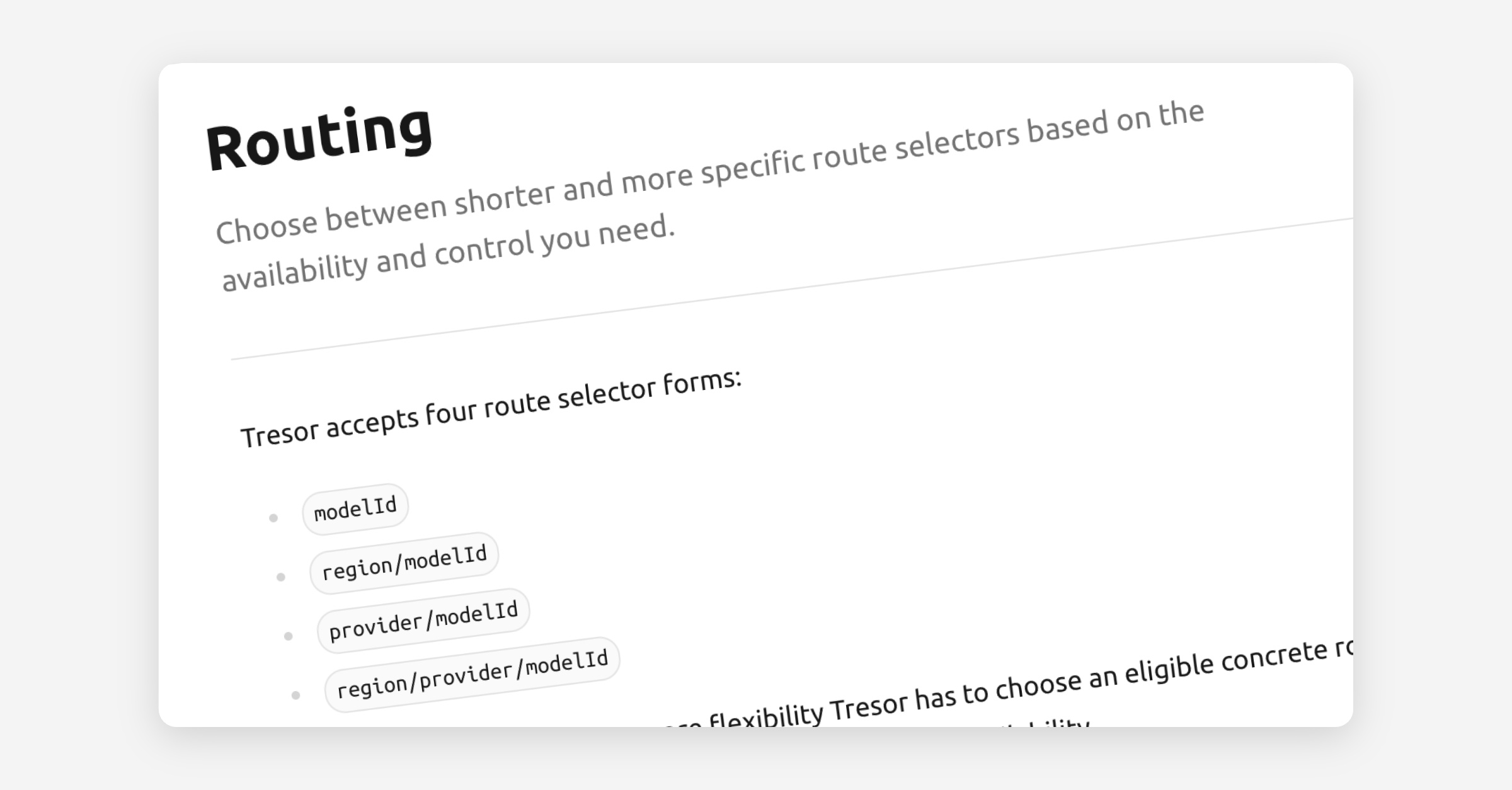
Choosing routes in the Tresor API just got simpler. You can now use shorter canonical selectors like gpt-oss-120b, eu/gpt-oss-120b, or tresor/gpt-oss-120b more consistently across requests, failover lists, and model discovery instead of reaching for a fully pinned route every time.
The practical benefit is better availability with less route bookkeeping. If you only care about the model family, or the model plus one region or provider, Tresor keeps more eligible concrete routes available behind that selector.
Use the shortest route that fits
Shorter selectors are now the clean default - The same canonical route forms now show up consistently in
model, chatfailover,tresor.requested_route, and the published model catalog.Availability stays higher when you do not over-pin - A bare model key gives Tresor the most room to keep requests moving, while region or provider selectors let you narrow the route only when you actually need to.
Model discovery is easier to reason about -
GET /v1/models?detail=truenow publishes logical, region, provider, and concrete routes in one flat catalog, androute_idfilters accept canonical as well as compatibility IDs.
Read our new Routing Docs to find out more.
Pin deliberately when it matters
You can still pin a full route when pricing, residency, prompt caching, or reasoning behavior needs to stay fixed. The difference is that the contract is clearer now: shorter routes buy flexibility, fully pinned routes buy control.
We also refreshed the docs and model catalog views around this behavior, including a new Routing concept page and clearer failover guidance, so it is easier to understand what the router may still choose on your behalf.
Compatibility: This does not change compatibility with our previous modelID schema. So routes like eu/auto/gpt-oss-120b continue to work and you can migrate to the new schema when you are ready.
One reasoning dial everywhere
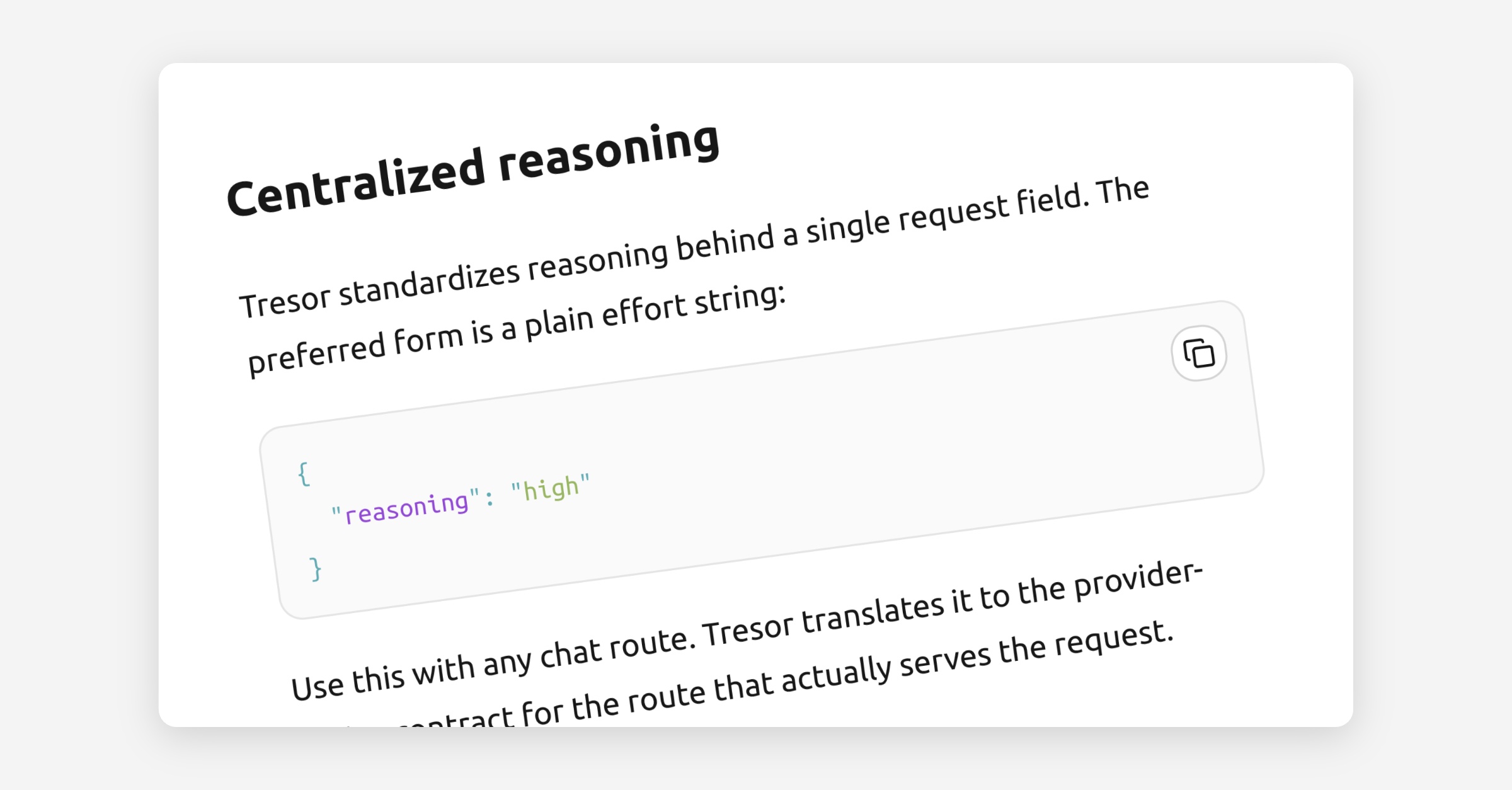
You can now control reasoning the same way across supported Tresor routes. Instead of learning provider-specific flags for each upstream, send one reasoning value and Tresor translates it behind the scenes for the route that actually serves the request.
This is the main upgrade: reasoning effort is now unified at the Tresor layer. That makes it easier to move between providers, use automatic routing, and keep failover plans without rewriting request logic whenever a model sits behind a different upstream contract.
One request shape, clearer control
One public reasoning knob — Prefer
"reasoning": "high"or"reasoning": "off"instead of provider-native controls. The object form still works for compatibility.One shared effort ladder — Tresor accepts the same public reasoning-effort values across supported routes and maps them route by route.
Route-aware discovery —
GET /v1/models?detail=truenow shows each route's verifiedsupported_effortsanddefault_effort, so you can see what is actually available before you send traffic.Safer routing — When one route cannot satisfy the requested reasoning setting, Tresor can still choose another compatible route for the same logical model.
Reasoning text now comes back in the new reasoning fields: message.reasoning for non-streaming responses and delta.reasoning for streaming responses.
reasoning_content still works as a compatibility alias for now, but it will be deprecated on 2026-09-01. If you read reasoning traces today, switch to reasoning now and you will not need another migration later.
Learn more at docs.tresor.co/guides/reasoning-controls
Kimi K3 is now available
The second big update in this release is Kimi K3. It is the latest open-source frontier model in the API, and it gives you another top-tier option when you want strong general intelligence without moving away from the OSS side of the model landscape.
A new high-end OSS option — Kimi K3 is now available in the Tresor API model lineup.
Frontier-level intelligence — In practice, it belongs in the same conversation as the latest Anthropic and OpenAI models on hard, multi-step work.
Same API ergonomics from day one — Kimi K3 fits into the same routing layer, receipts flow, and unified reasoning controls described above.
As always, the privacy model does not change with any of this. You get the same zero-access guarantees, with a simpler API contract on top.
More fallback, steadier uptime
Tresor now runs across five providers in total, with broader overlap on several of the most used models. That gives the platform more room to recover when one upstream slows down, rate-limits, or has a bad day.
The benefit is simple: more overlap means better fallback. Instead of a popular model depending on a single route, Tresor can now keep more requests moving through alternative routes while maintaining the transparency you are used to.
More ways through
Broader model overlap - More of the popular models now exist on more than one provider, which reduces single-route risk.
Stronger fallback behavior - When one upstream has trouble, Tresor has more chances to route around the issue before your app feels it.
Better availability in practice - This wider provider layer helps improve the consistency you see in day-to-day use, not just in theory.
Built for production workloads
This matters most for products and agents that need steady behavior under real traffic. With five providers in the pool, Tresor is better positioned to absorb isolated provider problems while keeping the same private, attested execution model.
Privacy: Expanding fallback does not change the zero-access design. Your requests stay inside the same sealed, confidential path.
If you rely on Tresor for live features or long-running agents, this is the kind of infrastructure change that quietly pays off every day.
Cache your context, pay less
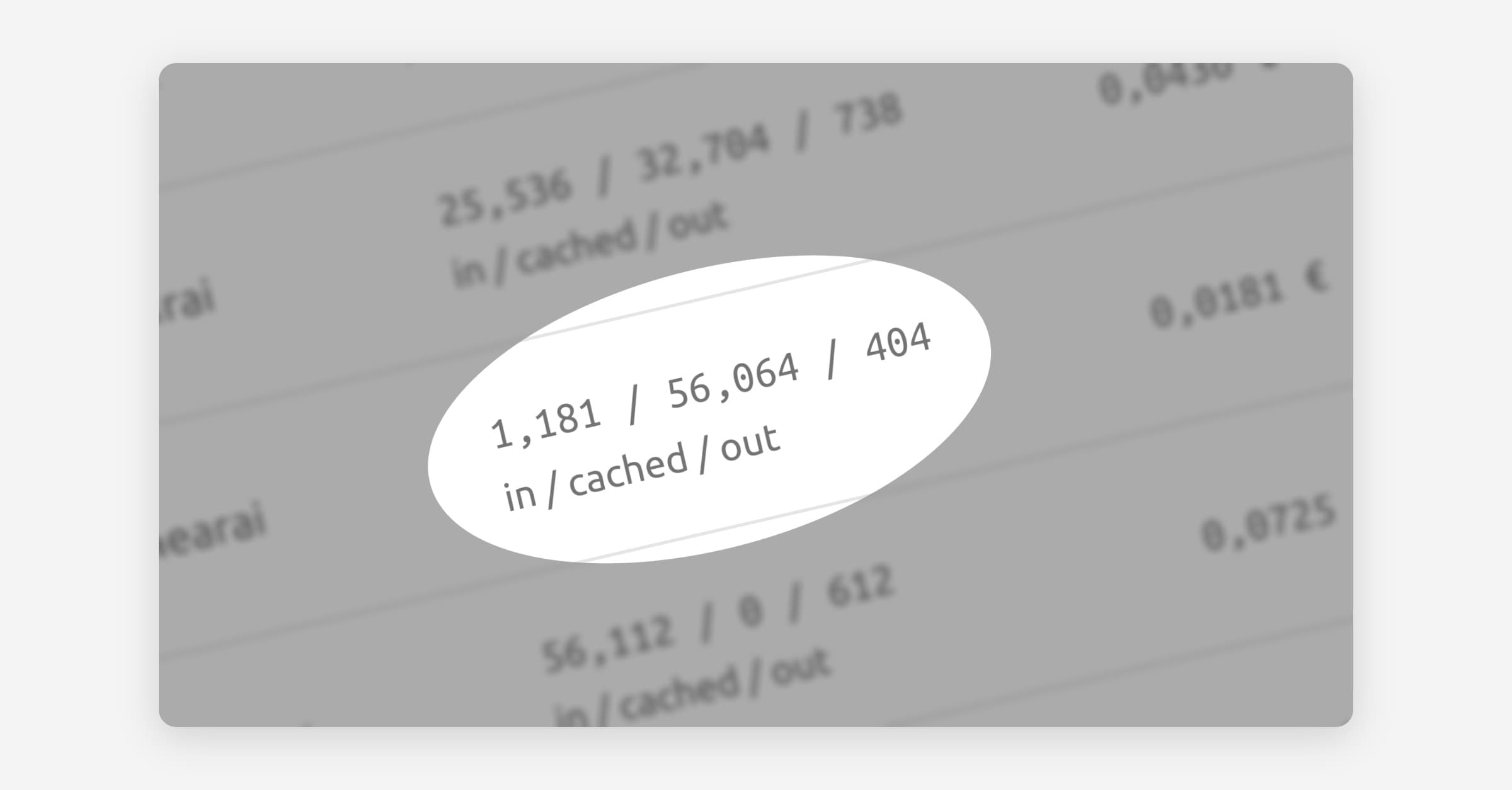
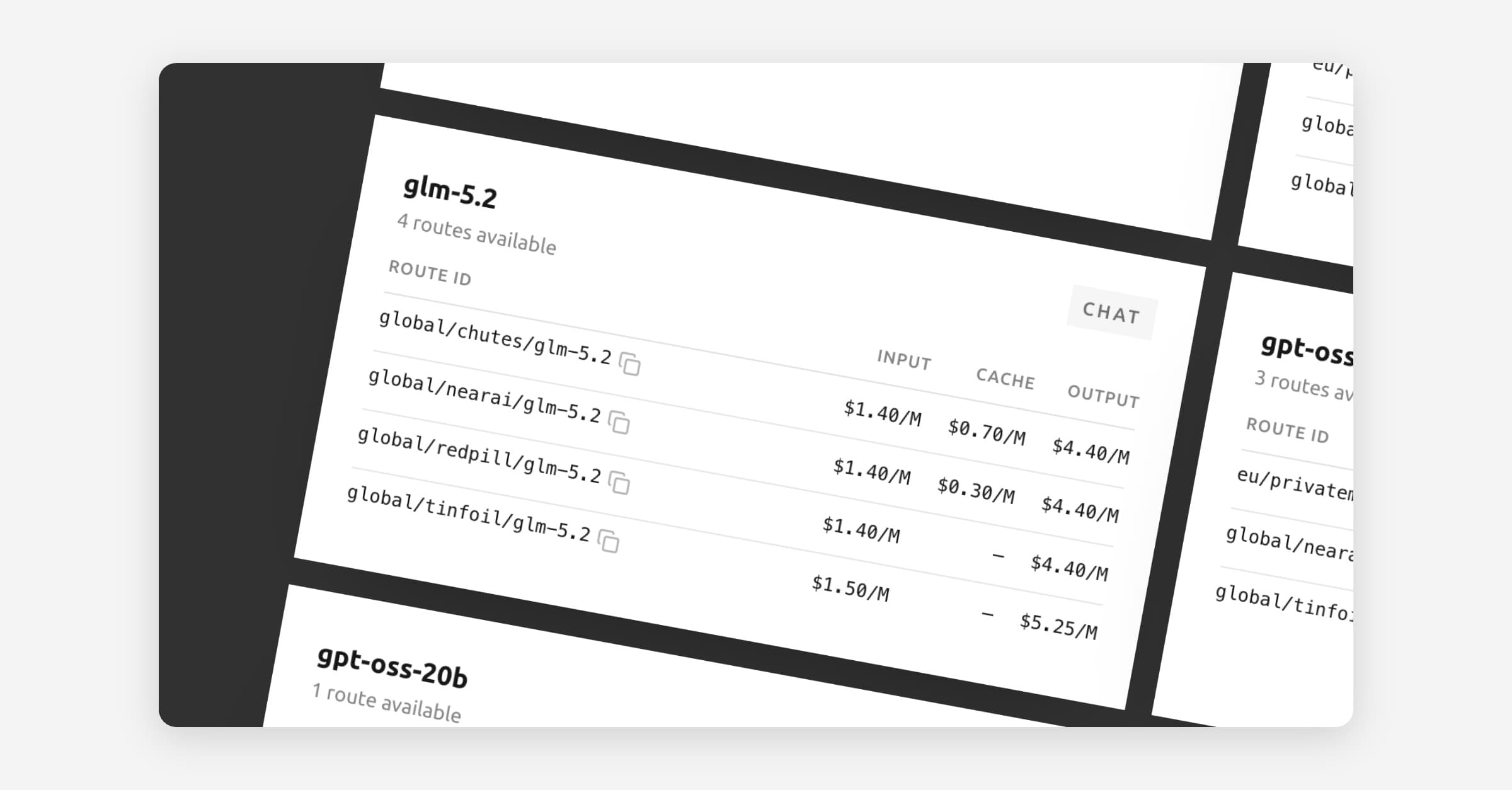
Tresor now supports prompt caching across multiple providers and models, including GLM 5.2 and Kimi K2.6. If your workflow sends the same large context over and over, you no longer have to pay full price every time.
That matters a lot for agentic coding. Coding agents tend to resend the same repository map, instructions, diffs, and tool state on every turn. With caching on supported routes, that repeated context becomes much cheaper, which makes confidential coding workflows far more competitive on price.
Big context, smaller bills
Reuse repeated context - Large prompts, repo summaries, and long instructions can be treated as cached input instead of billed like brand-new input every turn.
Run longer coding loops - Refactor, test, fix, and retry cycles become much easier to justify when the shared context is cheaper to carry forward.
Keep model choice open - You can get the pricing benefit on more than one route, instead of tying your workflow to a single model or provider.
Better economics for private agents
Private workflows usually need more context, not less. Prompt caching helps you keep that context inside Tresor's sealed environment without turning every follow-up into a full-price request.
Privacy: Cached context keeps the same zero-access, sealed-environment path as the rest of the Tresor API.
If you're building coding agents, background automations, or long multi-step analysis flows, this is one of the most practical API upgrades yet.